
01
CONDITIONAL RULES
Display content according to configured conditions.
Schedules, calendars, and configured data such as weather, pollution, or pollen can guide delivery. Alternative content remains planned.
Explore rules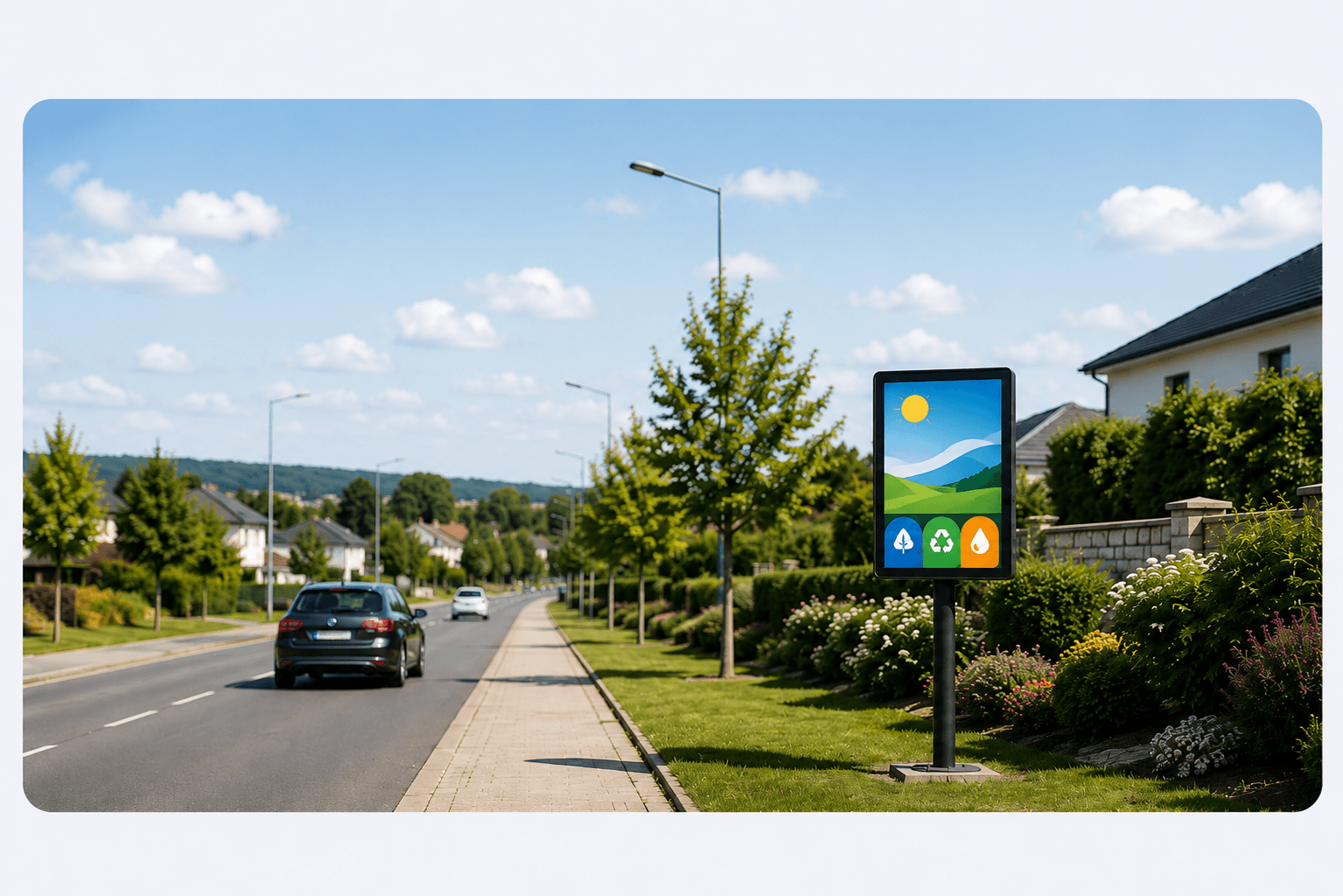
DISPLAY CONTROLLED BY YOUR CONDITIONS
A time window or configured data such as weather, pollution, or pollen can determine the displayed content. With Live Control, an authorized operator can also trigger temporary content before normal programming resumes.
FREE available with no payment method
DISPLAY-RULE EXAMPLE
You configure the data source and review the outcome before publication. If the data is unavailable, the planned alternative remains available.
IF
Configured weather data reports rain
THEN
Display the Rain creative
ELSE
Keep the usual creative
7 CONCRETE CAPABILITIES
Conditional rules, Live Control, touch journeys, Agency, advertising operations, and Web or Player delivery address distinct needs.
CONDITIONAL RULES
Schedules, calendars, and configured data such as weather, pollution, or pollen can guide delivery. Alternative content remains planned.
Explore rulesLIVE CONTROL
An authorized operator starts a prepared Action or Clip Live on permitted screens. Previous programming resumes when it ends.
Explore Live ControlAGENCY
Each Client keeps its screens, content, rules, users, and capabilities. The Agency brings them together in one portfolio.
View AgencyADVERTISING NETWORK
Advertisers, creatives, inventory, objectives, delivery tracking, and makegood proposals stay together in a dedicated business workspace.
Explore the networkMULTIPLE PLAYERS
Windows, Linux, and Android are offered for compatible systems, hardware, and project configurations. Raspberry Pi remains a deployment case to validate against the target hardware.
View deploymentVARIED DISPLAY FORMATS
Touch or non-touch, landscape, portrait, or square: formats and resolutions are checked against the selected display and delivery method.
Explore ProductCMS / TV
A delivery URL can open on a compatible TV or be embedded in a CMS as a web page or iframe. Add a Player only when the project requires one.
Explore CMS / TVFREE lets you explore the journey without a payment method. Higher subscriptions add capabilities for field deployment.