
A validated alert or configured condition becomes active.
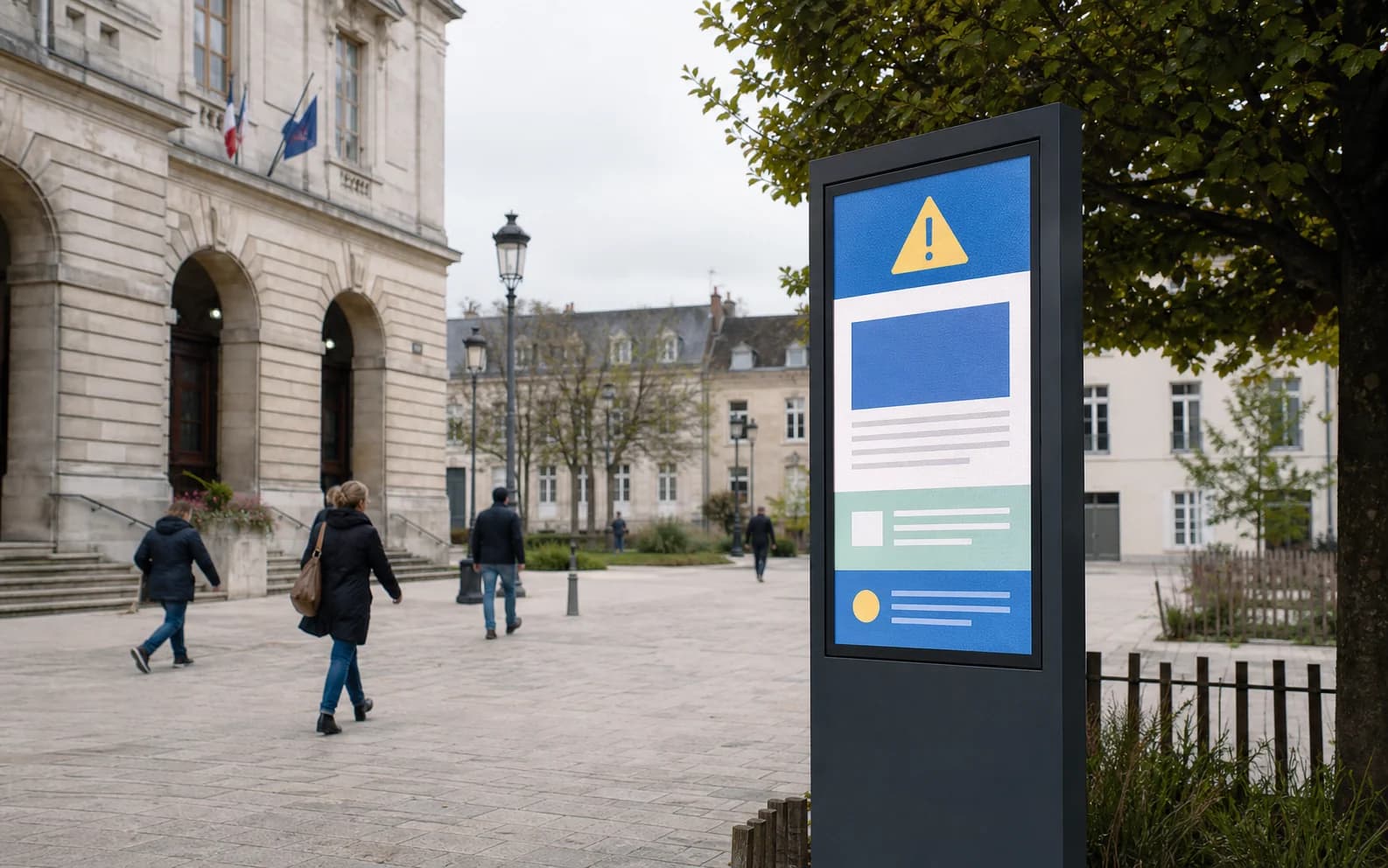
Display each message according to time, location and priority
NeuroDisplay applies reviewed rules to target Screens, schedule messages and surface priority information when a situation requires it.
Municipality scenario
A priority alert takes over, then municipal information resumes.
Prepare routine information and priority messages in the same rule system.
Its priority exceeds eligible welcome and agenda content.
Target screens show the alert; when the condition ends, baseline delivery returns.
BOUNDARYA source must be configured and publication remains explicit. NeuroDisplay does not create alerts autonomously.
Available with touch
Touch document library
Turn a touch screen into a secure document access point. Visitors can browse PDFs and images organised by category, without downloads or active document links.
A touch building block that puts practical information and documents within reach.