
An authorized operator selects a prepared action for permitted screens.
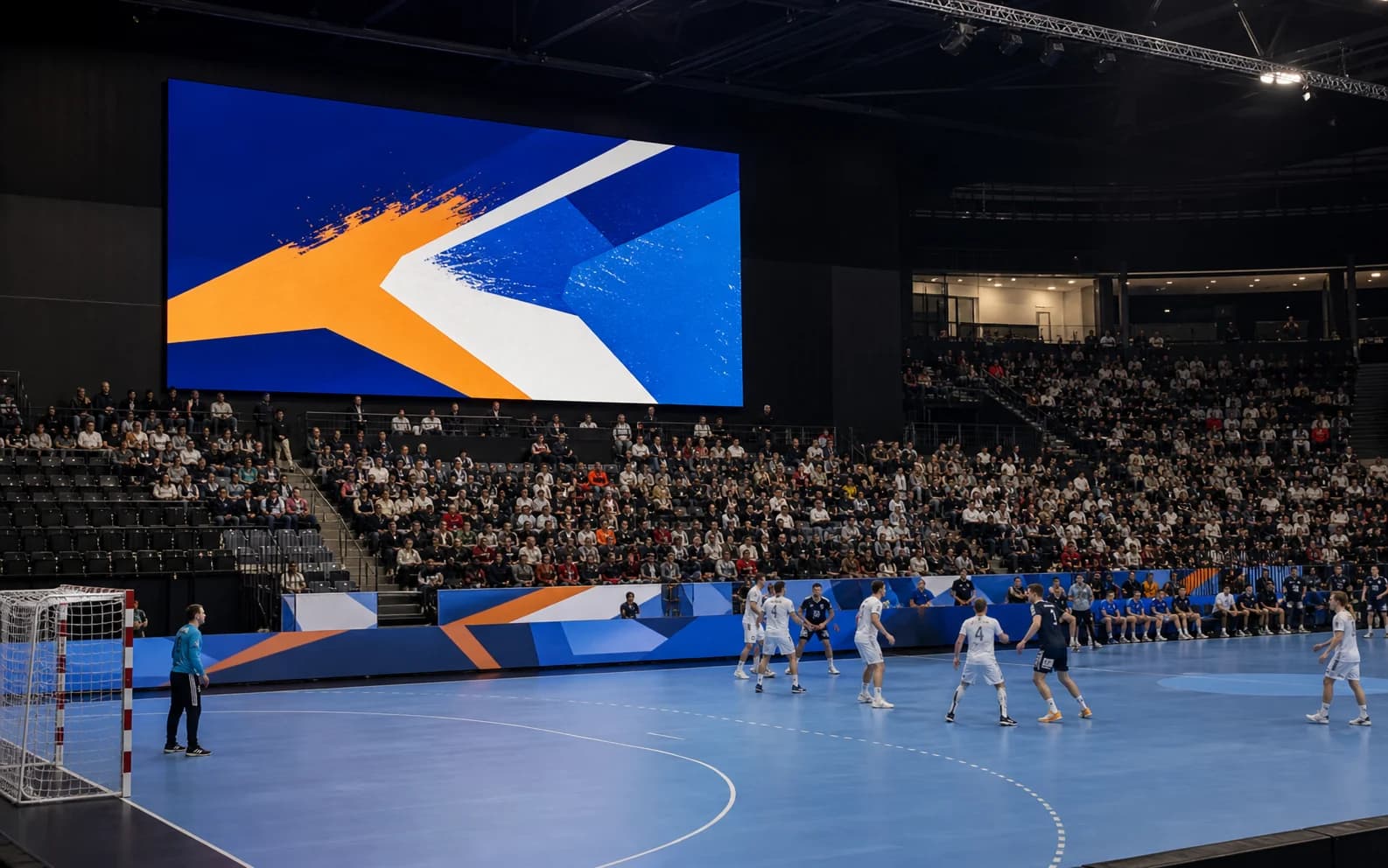
Sports and events
Bring club and event screens to life
Prepare training, fixture, temporary event animations and partner content, then verify every scenario before it reaches a screen.
Create my NeuroDisplay web pageMatch-day scenario
Trigger a clip or alert during the match, then return to the club programme.
The daily programme remains the reference; Live Control adds a controlled temporary intervention.
The temporary action replaces current delivery for its bounded duration.
The clip, temporary layer, or message appears, then normal programming returns.
BOUNDARYAvailability depends on subscription, rights, and Player. No unrestricted cross-Organization action.
Sports use cases
Visitor welcome
Times, access, programme and practical event information.
Club life
Training, call-ups, news and prepared editorial content.
Partners
Partner sequences organized in broadcasts approved by the club.
From scenario to screen
- 1Create the screen and format
- 2Prepare the content
- 3Define rules and priorities
- 4Preview before going live
Build the scenario
Display club content, practical information, event announcements, and partner creatives with scenarios reviewed before display.