
Time changes, an activity starts or a priority message is activated.
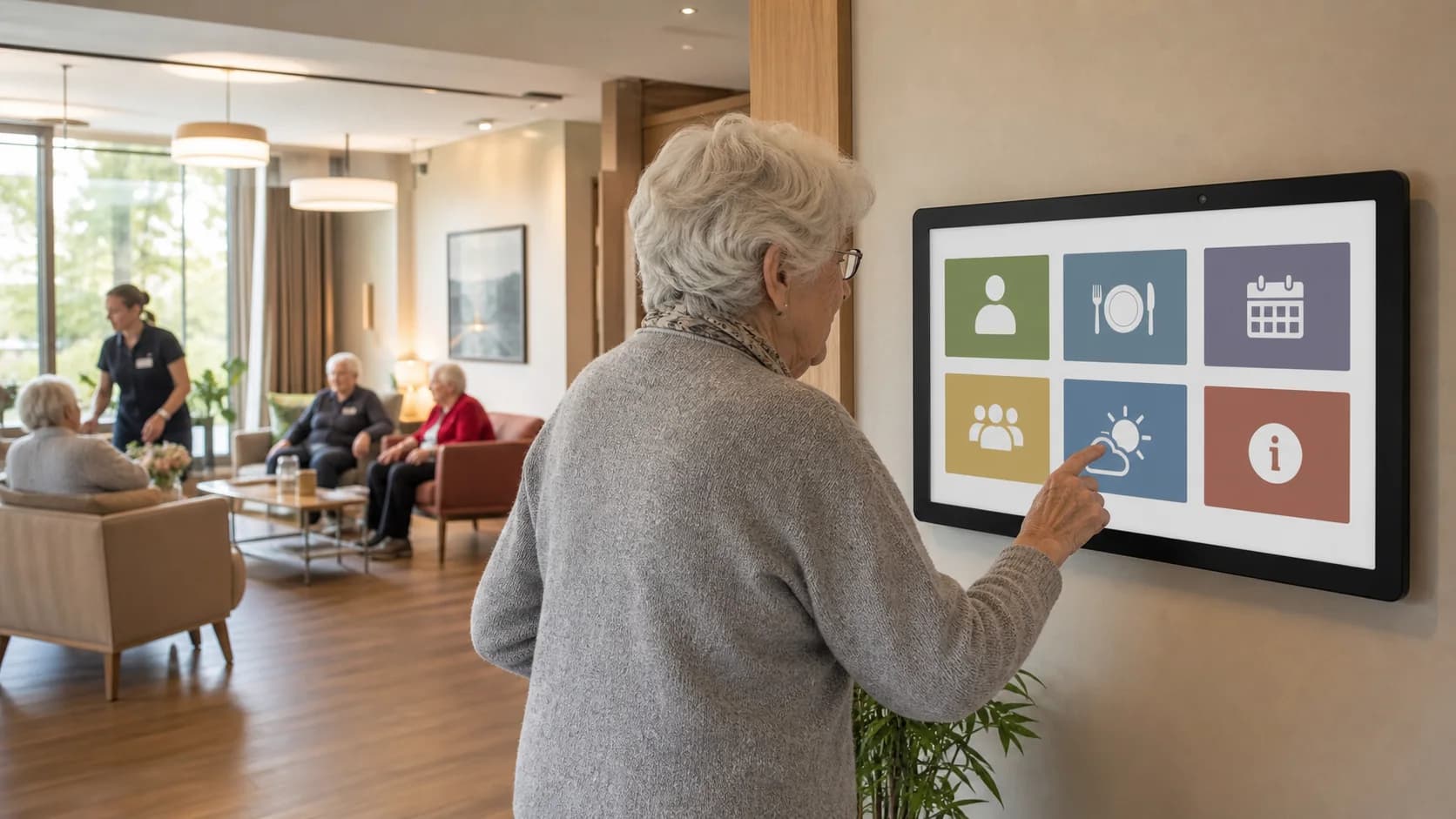
Senior living
Readable digital signage for daily life in senior living
Share menus, activities, practical information and alerts on common-area screens with content reviewed and scheduled by your teams.
Create my first screenSenior living scenario
Menus, activities and priority messages follow the day without rebuilding a playlist.
Each item keeps its time window, priority and target screen.
The engine selects eligible content from schedules and priorities.
The right message appears on shared screens; a tactile kiosk can open authorized documents.
BOUNDARYThe document library is a BUSINESS tactile capability; it does not turn documents into unrestricted public links.
Senior-living use cases
Daily life
Menus, activities, opening times, welcome information and practical reminders.
Team information
Instructions and internal information shown only on the intended screens.
Priority messages
Prepared scenarios for displaying information approved by the facility.
A simple, verifiable path
- 1Define your first NeuroDisplay web page
- 2Prepare content and display rules
- 3Preview readability
- 4Deploy to a Player supported by your Plan
Plan your project
Share menus, activities, practical information and alerts in senior living with readable, scheduled content.