01
Prepare the day’s messages
Describe what you need. Magic Media helps prepare text and images; review and personalise your messages before choosing their time slots.
You approve publication
Explore content creationFREE plan · No payment card
Create content with AI, adapt what plays to the context and take control during your events. From a first screen to a network of clients, NeuroDisplay brings your uses together in one solution.
Welcome to our open day.
Reception in the lobby. Workshop tour at 10 am.
“Prepare our open-day welcome, then the announcement for the tour starting at 10 am.”
AI prepares. You have the final say.
Choose an example, discover the result, then make it yours.
Loading demonstration controls…
The situation A company welcomes visitors for an open day.
Reception in the lobby. Workshop tour at 10 am.
It is 9 am in this example: the welcome message is displayed.
Your benefit Prepare the day’s messages: the schedule selects what to display on the relevant screens.
Prepare both open-day messages: a welcome at 9 am and a tour announcement at 10 am.
Two prepared messages: a welcome, then the start of the tour.
The condition
The result is already here. Edit it only if you want to.
Edit the text and see the result. In NeuroDisplay, you review and approve before publishing.
Prewritten examples, editable here without signup. No real AI generation, live weather data or screen command; no quota used.
Illustrated composition · not a real customer installation · Illustrated scenarios. You choose the conditions and approve what you publish.
SEE THE DIFFERENCE IN EVERYDAY USE
Prepare your communication, adapt it to each location and keep control of content and interventions.
01
Describe what you need. Magic Media helps prepare text and images; review and personalise your messages before choosing their time slots.
You approve publication
Explore content creation02
A connected weather service can make your fallback instruction eligible when the configured condition changes. Schedules follow the time slots you prepare.
Available sources and prepared rules
Discover display rules03
An authorised operator selects a prepared Action in Live Control. The normal programme resumes when the temporary announcement ends.
Live Control · from PRO+
Discover Live Control04
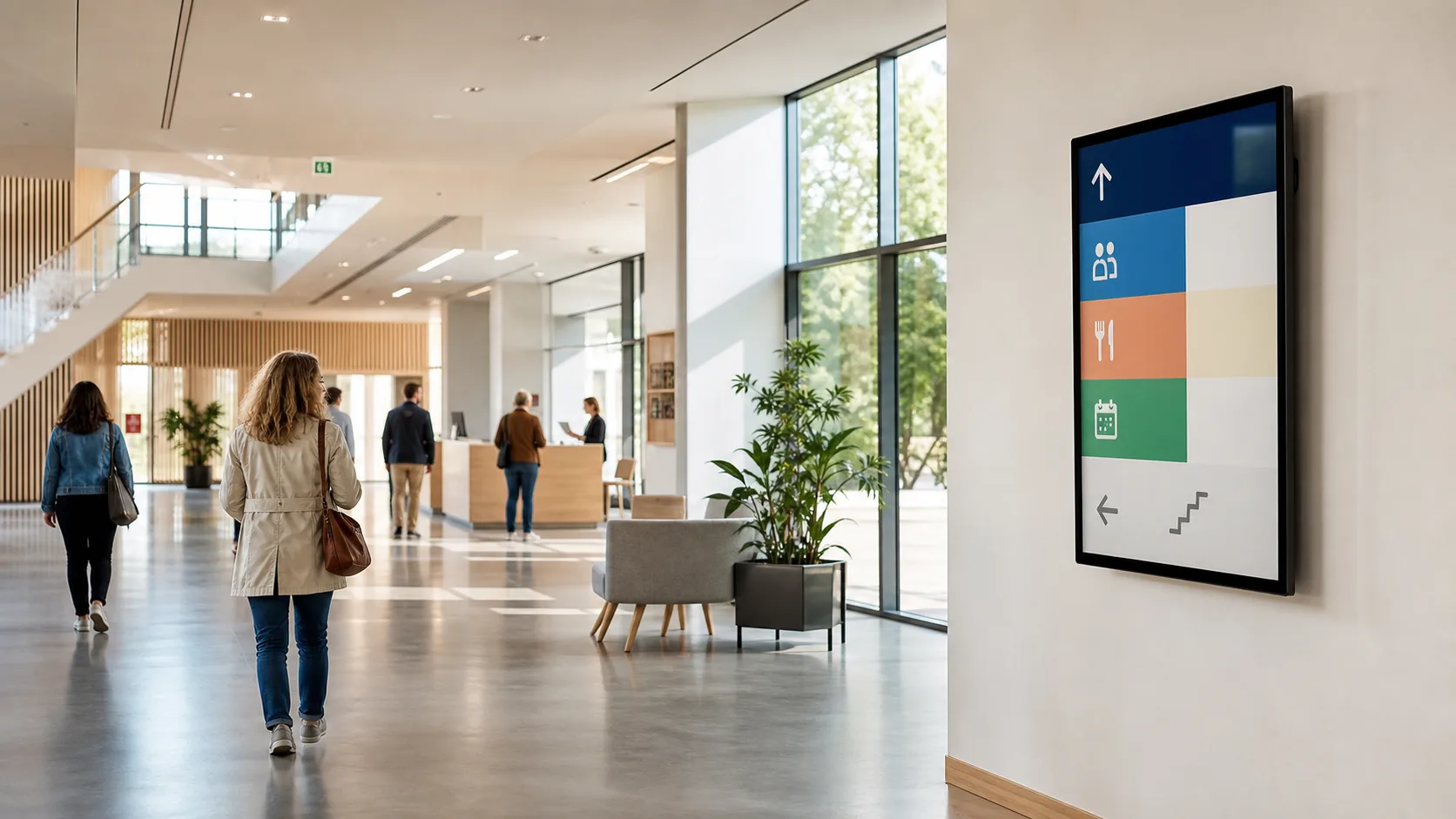
At reception, information plays on a screen. On a compatible touch kiosk, visitors choose the presentation or information they want to view.
Subject to plan and compatible targets
Explore touch use cases05
Landscape, portrait, panoramic, LED or touch: choose the format and environment compatible with your installation.
Check compatibility with your equipment
Reuse compatible equipment06
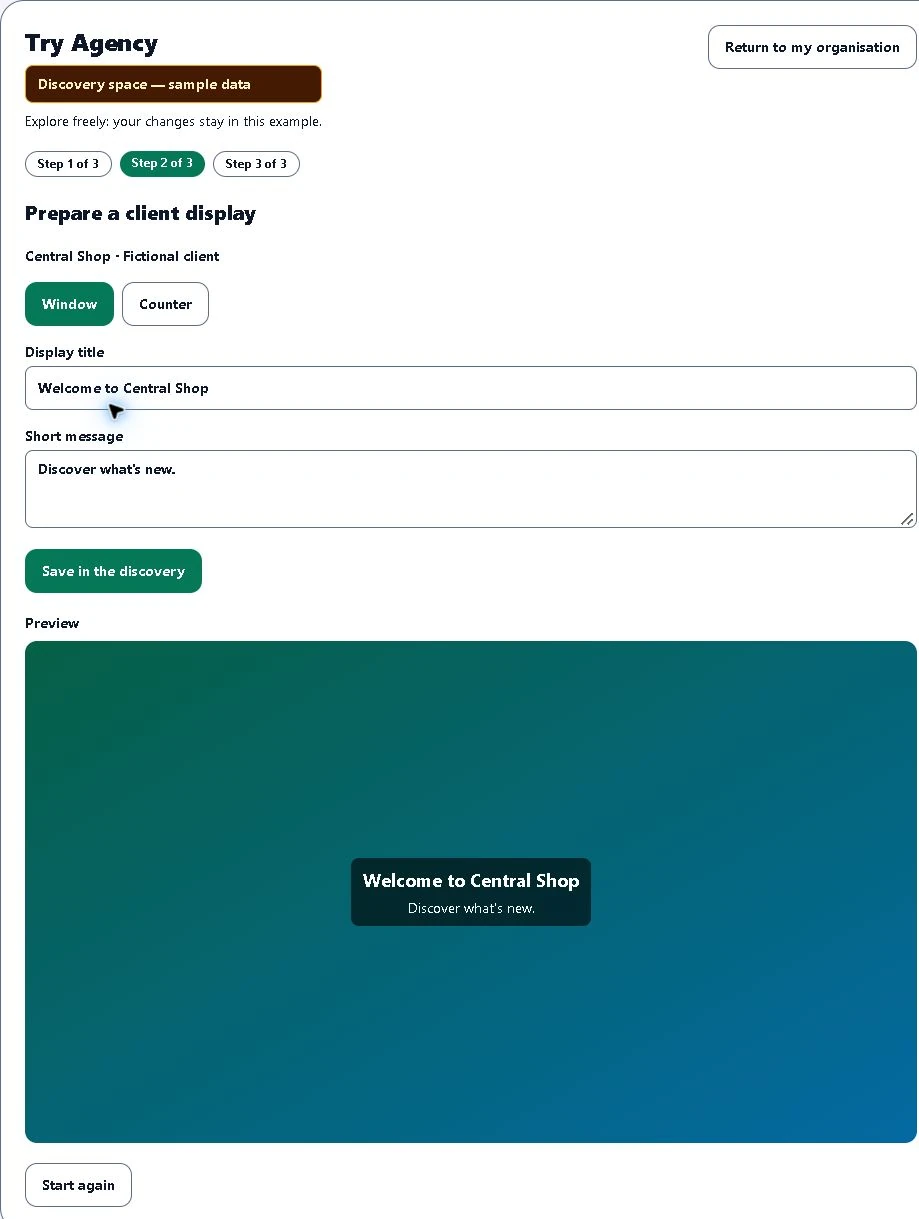
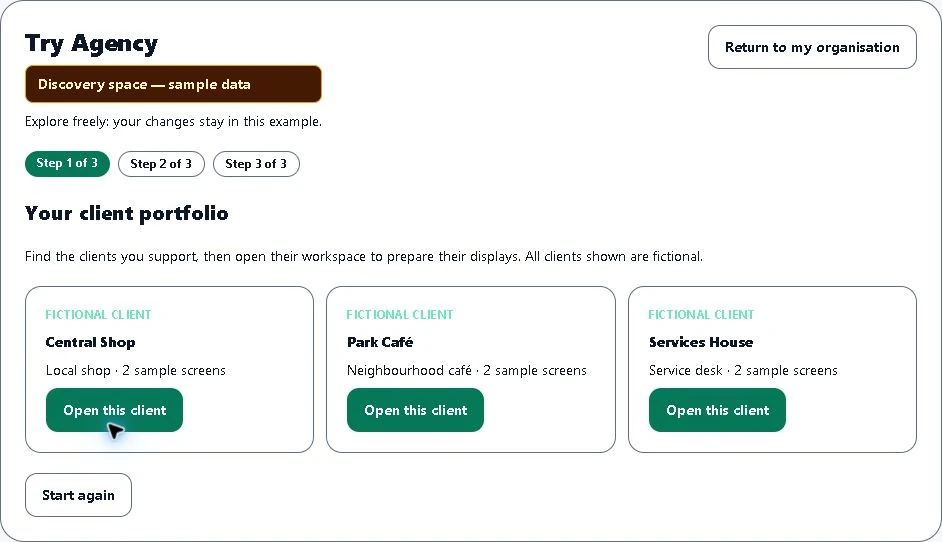
As an agency or integrator, support clients in separate Agency environments without mixing their content or access. Organisation and Advertising Network remain different models.
Distinct models, controlled permissions
Compare plansIn the Agency discovery, open a fictional client, prepare their message and see its preview.
Start at your own scale, then choose the structure that suits your activity.
Manage screens and content in your own environment.
Centralize communication while authorized users work independently.
Explore Organization plansSupport multiple clients, each with a separate environment.
Manage a portfolio without mixing client content, data or access.
Discover AgencyOrganize advertisers, campaigns and creatives on authorized screens.
Advertising operations remain distinct from managing Agency clients.
Discover the Advertising NetworkReuse compatible equipment or a CMS gradually, then add a Player when your project requires it.
You control content, permissions and interventions. FREE starts with a first web display.
Your idea, your first display.
Create my first display for freeA PRACTICAL FIRST STEP
NeuroDisplay FREEExplore content creation and rules on a NeuroDisplay web page. Then choose the plan and display method that suit your project.
FREE watermark · 1 web screen · 10 AI images/month · no physical Player included.
Create your NeuroDisplay workspace for free. After you confirm your email, a first editable screen and welcome content are prepared for you.
Enter your organization and secure your access.
Your welcome display is ready. Change its name and format whenever needed.
Import an image or video, create a message or assemble a slideshow.